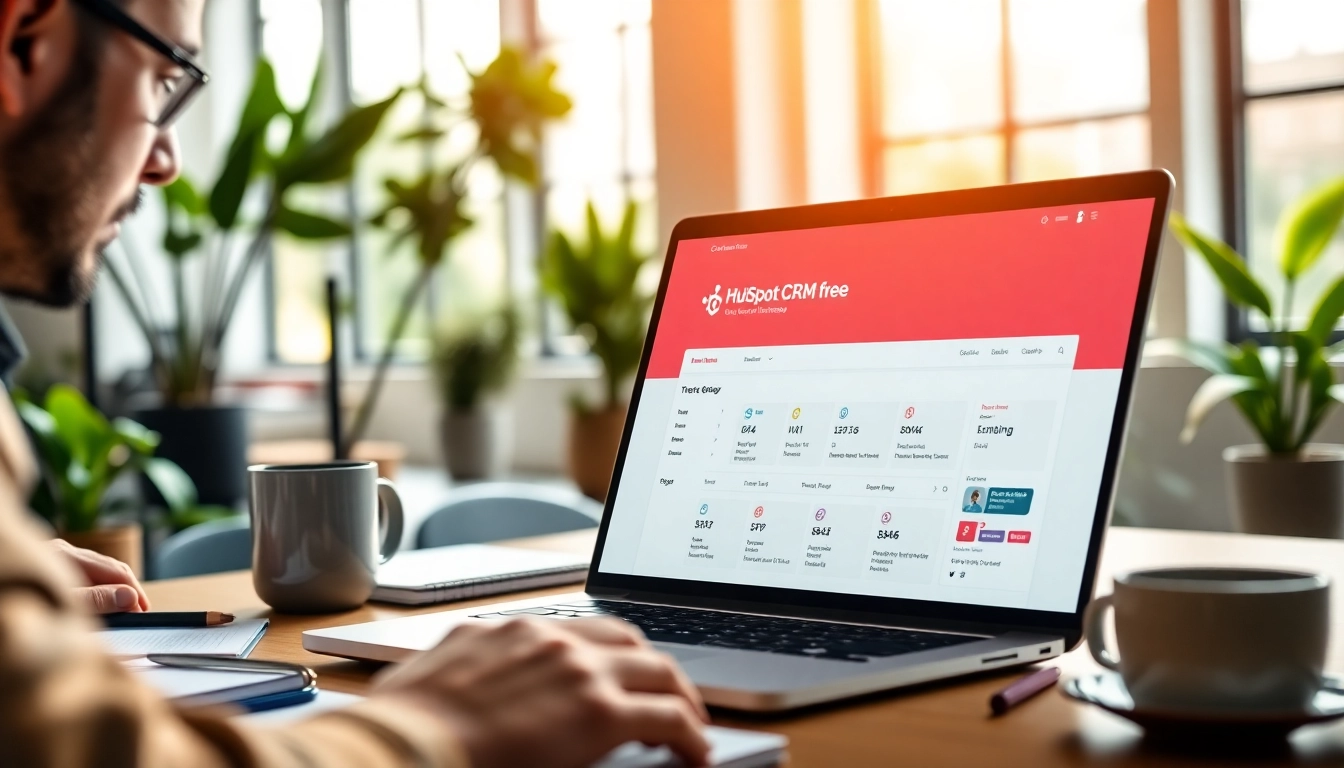
Understanding HubSpot CRM Free Features
Key Functionalities of HubSpot CRM Free
HubSpot CRM Free offers an array of functionalities designed to streamline customer relationship management for businesses of all sizes. First and foremost, it provides a robust database management system where users can store and organize contacts effectively. The system allows for segmentation, making it easier to target specific groups of customers based on various criteria such as behavior, demographics, or deal status. The pipeline management feature is another standout, which helps businesses track potential deals through customizable stages, ensuring no opportunity is overlooked.
Additionally, HubSpot CRM Free integrates email tracking features that notify users when recipients engage with their emails, a crucial aspect of sales follow-up. The integration of forms and pop-ups for website interaction helps in capturing leads right at the source, thereby enhancing inbound marketing efforts. Reports and dashboards are also part of the package, allowing users to visualize performance metrics and make data-driven decisions. With the hubspot crm free, businesses are empowered to manage relationships more efficiently, significantly improving the overall sales process.
Navigating the User Interface
The user interface of HubSpot CRM Free is designed with user-friendliness in mind, making it accessible to users who may not be tech-savvy. The dashboard presents an overview of critical metrics, while the sidebar includes a menu for easy access to various functionalities like Contacts, Companies, Deals, and Tasks. Each section is laid out logically, ensuring that users can navigate seamlessly between different components of the CRM. Moreover, the search feature helps users quickly locate specific contacts or deals, enhancing efficiency even further. Tooltips and onboarding tours provide additional hand-holding for new users, helping them understand the platform's capabilities without feeling overwhelmed.
Integrating with Other Tools
One of the most compelling features of HubSpot CRM Free is its capability to integrate with a range of other business tools and services. This integration enhances its functionality and allows businesses to create a unified system for managing customer relationships. HubSpot offers native integrations with email platforms, social media networks, and marketing automation tools, enabling users to synchronize data across different systems seamlessly. Additionally, HubSpot APIs allow for custom integrations, further expanding the possibilities for businesses with specific needs. This interconnectivity ensures that data flows smoothly, eliminating silos and helping teams operate more cohesively.
Benefits of Using HubSpot CRM Free
Streamlining Customer Management
Using HubSpot CRM Free can significantly streamline customer management processes. With centralized data storage, users can easily access customer information without having to sift through multiple platforms. This centralized hub for customer interactions ensures a holistic view of customer behavior and preferences, which can enhance personalized marketing strategies. Automated workflows allow for routine tasks such as follow-up emails and task assignments to be executed without manual intervention, freeing up time for sales teams to focus on higher-value interactions. Overall, the streamlined approach leads to improved efficiency in managing customer relationships.
Improving Team Collaboration
HubSpot CRM Free fosters enhanced collaboration among teams, which is vital in a customer-centric business environment. The CRM enables real-time sharing of notes, tasks, and updates among team members, ensuring that everyone is on the same page regarding customer interactions. The ability to assign tasks to specific users helps clarify responsibilities, eliminating confusion and minimizing the risk of tasks falling through the cracks. With shared visibility over pipelines and bookings, teams can coordinate their efforts, strategize collectively, and ultimately drive better outcomes for customers.
Enhancing Data Insights
Data is a powerful resource, and HubSpot CRM Free excels at harnessing it to deliver significant insights for businesses. The reporting features provide comprehensive analytics on sales performance, customer behavior, and marketing effectiveness. By assessing how customers interact with brands, businesses can uncover trends that inform future marketing strategies. Moreover, the dashboard can be customized to display the metrics that matter most to each team, enabling them to track performance in real time. This enhanced visibility into data empowers businesses to make informed decisions that can lead to improved outcomes.
Setting Up Your HubSpot CRM Free Account
Creating Your Profile
Creating your profile on HubSpot CRM Free is a straightforward process. First, visit the HubSpot website and follow the prompts to sign up. Users can quickly input basic information, including name, email address, and company details. Once verified, users can log into their dashboard, where they can start customizing their experience. Ensuring that your profile is complete helps in managing contacts more effectively, as additional information can provide deeper insights into customer interactions.
Importing Contacts and Data
Importing contacts and data into HubSpot CRM Free is facilitated through a user-friendly process. Users can upload CSV files directly from their existing contact lists, leading to a seamless transition. Additionally, HubSpot allows for manual entry of contacts or integration with email providers to automatically pull in contacts. It is crucial to clean up your data before import to reduce duplicates and ensure accuracy in your database. Proper segmentation post-import can significantly enhance targeting efforts in future campaigns.
Customizing Your Dashboard
Customizing the dashboard in HubSpot CRM Free is essential for tailoring the interface to fit your business needs. Users can drag and drop various reporting widgets to present the information that is most relevant to their roles. Whether it’s sales metrics, pipeline statuses, or customer engagement levels, having these insights readily available aids in decision-making. Furthermore, regular updates to the dashboard layout can reflect changing priorities, ensuring that you remain focused on what matters most to your operational strategy.
Best Practices for HubSpot CRM Free
Maximizing Lead Management
To maximize lead management in HubSpot CRM Free, it is vital to develop a clear strategy for lead capture and nurturing. Utilize features like forms and landing pages to gather information from leads, and integrate these tools effectively with your CRM. Implement automated workflows that emphasize timely follow-ups based on lead behavior, keeping potential customers engaged throughout their journey. Regularly reviewing and updating lead scoring criteria will also ensure that sales teams focus on the most promising opportunities.
Utilizing Automation Features
Automation features in HubSpot CRM Free can significantly enhance operational efficiency and reduce manual workload. Make the most of workflow automations to handle repetitive tasks such as sending welcome emails, assigning tasks, or notifying team members of changes in deal status. Leverage email sequencing to nurture leads over time, delivering personalized content at critical touchpoints. Automation not only streamlines processes but also ensures that customer engagement is consistent and timely.
Regular Data Maintenance Strategies
Regular data maintenance is key to ensuring the effectiveness of your HubSpot CRM Free setup. Establish a routine schedule for cleaning your database, which involves checking for duplicates, outdated contacts, and inaccurate information. Consistent data reviews can help prevent clutter and ensure that your CRM remains an efficient tracking tool. Additionally, educating your team on proper data entry practices can minimize errors from the start, leading to a cleaner database over time.
Frequently Asked Questions about HubSpot CRM Free
What is HubSpot CRM Free?
HubSpot CRM Free is a cost-effective customer relationship management tool that provides essential features for managing and nurturing customer interactions without any cost.
Can I upgrade from HubSpot CRM Free?
Yes, users can upgrade to various paid tiers of HubSpot CRM, which offer more advanced features and capabilities as business needs grow.
Is HubSpot CRM Free suitable for small businesses?
Absolutely! HubSpot CRM Free is particularly beneficial for small businesses looking to manage customer relationships effectively without a hefty investment.
How secure is my data in HubSpot CRM Free?
HubSpot takes data security seriously, implementing high-level encryption, compliance with privacy regulations, and regular security audits to protect user data.
Does HubSpot CRM Free include customer support?
Yes, HubSpot CRM Free includes access to a wealth of customer support resources, including a knowledge base, community forums, and basic support channels.