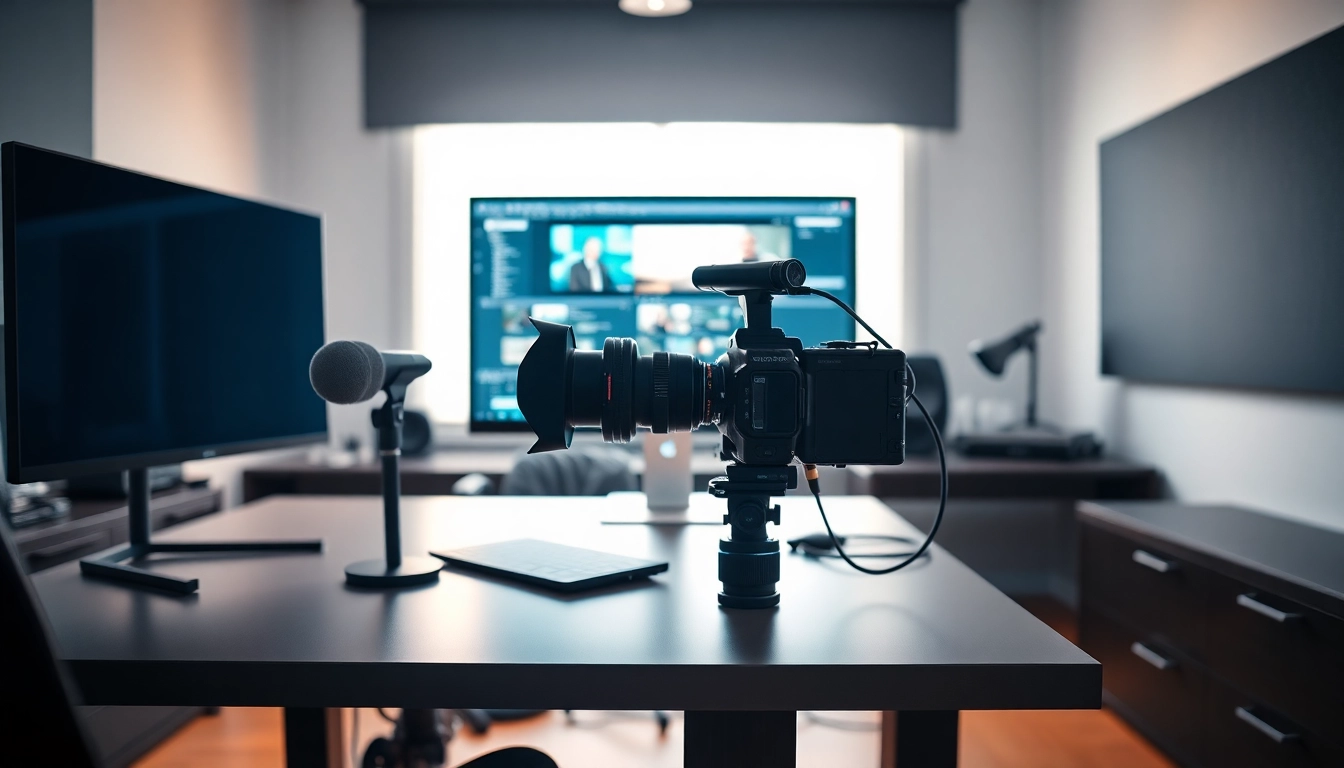
Understanding the Basics of Video Capture
What is Video Capture?
Video capture is a crucial process in the digital media landscape that involves capturing and converting video footage from various sources into a digital format. This process can be applied to live streaming, video production, recording gameplay, or transferring old media to a modern format. Devices and software that handle video capture play an integral role in achieving high-quality media production. Whether you are using a professional camera or a simple webcam, understanding the fundamentals of video capture enhances your ability to produce engaging content.
In essence, video capture entails the transition of raw video data into a form that can be edited, stored, and disseminated through digital platforms. The process may involve several steps, from connecting external devices to software that allows for editing and distribution. With the changing dynamics in content creation, video capture has never been more essential.
The Importance of Quality Video Capture
Quality video capture significantly impacts the effectiveness of your message. No matter how compelling your narrative—if the technical aspects of your video are lacking, your audience is likely to disengage. High-quality video can convey professionalism, ensure reliability, and improve viewer retention rates. Critical factors in quality video capture include resolution, frame rate, audio clarity, and lighting conditions.
For example, utilizing high-definition (HD) or even 4K resolution enhances the clarity of your visuals, allowing viewers to see details that would otherwise be lost in lower resolutions. Additionally, capturing at higher frame rates can lead to smoother motion, especially important in fast-paced action scenarios. These technical details enable creators to craft immersive experiences that resonate with audiences.
Key Components of a Video Capture Setup
A proficient video capture setup typically consists of several key components that work together seamlessly. The three primary elements are the camera, audio equipment, and video capture software, each of which influences overall quality.
- Camera: The choice of camera dictates the quality of your video. Options range from DSLRs and mirrorless cameras to camcorders and smartphones.
- Audio Equipment: Clear audio is as vital as video quality. Using external microphones, audio interfaces, or mixers can significantly improve the sound quality of your videos.
- Video Capture Software: This software controls how video is recorded, edited, and streamed. It is important to select tools that cater to your specific needs and technical skills.
Each component should work harmoniously, allowing creators to achieve a polished final product that accurately reflects their intent and creativity.
Setting Up Your Video Capture Equipment
Choosing the Right Camera for Video Capture
When selecting a camera for video capture, it is essential to consider the purpose and context of your video content. Factors such as video quality, portability, and usability play a significant role in determining the best camera for your needs.
For professional-grade projects, DSLRs and mirrorless cameras are often preferred due to their superior image quality and versatility. Conversely, for vlogging or on-the-go videos, compact cameras or even smartphones could suffice, as they are increasingly equipped with advanced filming capabilities.
Key Tips:
- Assess the camera's video resolution capabilities—aim for at least 1080p for standard content, while 4K is ideal for high-quality productions.
- Check for features such as image stabilization, autofocus, and manual controls for enhanced shooting experience.
Microphones and Audio Considerations
Audio quality can elevate or diminish the quality of your video. Even if you invest heavily in video capture technology, poor audio can lead to viewer drop-off. Choosing the right microphone is crucial, as it determines how well your audience hears your message. Options include lavalier microphones for interviews, shotgun microphones for directional sound, and condenser microphones for voiceovers.
Furthermore, consider room acoustics when filming. Soft furnishings can absorb sound and prevent echoes. Investing in pop filters can enhance voice recordings by reducing plosive sounds, while audio mixers can provide greater control over multiple audio sources.
Lighting Techniques for Optimal Video Capture
Proper lighting is fundamental to achieving high-quality video capture. Lighting affects not only the visibility of your subjects but also the mood and focus of the content. Utilize three-point lighting, which involves using key, fill, and backlight to create a well-rounded, professional look.
Tips for Effective Lighting:
- Use soft lighting sources to eliminate harsh shadows.
- Natural light can be powerful; consider filming near windows or in well-lit outdoor areas.
- Invest in professional lighting kits for consistent results, especially for controlled indoor settings.
Video Capture Software: What You Need to Know
Top Features to Look for in Video Capture Software
With video capture software, you have a range of functionalities to manage. Key features often include:
- Real-Time Editing: Real-time editing tools allow immediate feedback on your captures, improving workflow.
- Customizable Settings: Settings for resolution, frame rate, and audio sources should be adjustable to match your specific requirements.
- Multiple Input Options: Software that supports a variety of input devices—cameras, screens, and audio inputs—provides greater flexibility.
Assessing these features against your capture needs can help maximize the effectiveness of your video capture sessions.
How to Use Video Capture Software Effectively
The efficiency of video capture software often relies on user understanding and familiarity with the tool. Here are ways to utilize this software more effectively:
- Tutorials: Most video capture software comes accompanied by instructional materials. Familiarize yourself with these resources to ensure you're making the most of the features available.
- Practice: Regular usage will build your confidence and familiarity with the software, allowing you to navigate settings and features fluidly.
- Community Forums: Engage with user communities to share tips, learn from others' experiences, and troubleshoot issues.
Recommendations for Different User Needs
Video capture needs vary dramatically among users, from casual vloggers to professional filmmakers. Here are tailored recommendations for different categories of users:
- Casual Creators: Simple recording software with user-friendly interfaces can suffice, focusing more on ease of use.
- Advanced Users: For professionals, software with robust editing tools, real-time monitoring, and high-resolution output capabilities is essential.
- Gamers: Gamers may benefit from software compatible with game capture devices and streaming integrations for platforms like Twitch or YouTube.
Advanced Techniques for Video Capture
Using Multiple Camera Angles in Video Capture
To enhance storytelling, employing multiple camera angles can provide engaging visual variety. This technique is particularly useful for interviews and action sequences where different perspectives can reveal more context. When using multiple cameras, ensure synchronized recording times to streamline editing processes later on.
Editing Note: During post-production, choose angles that maintain flow and coherency while focusing on the subject's reactions and important moments.
Editing Techniques to Enhance Video Capture Quality
The editing phase is where the magic happens, transforming raw footage into a compelling story. Common editing techniques include color grading to enhance visual appeal, sound design to improve audio clarity, and cutting for pacing and rhythm.
Use transitions judiciously to avoid disrupting the flow of your narrative. Simple cuts can often suffice, while more complex transitions should serve a specific purpose.
Adding Visual Effects and Transitions in Post-Production
Visual effects can add dimension and intrigue to your videos. Common techniques include overlays, animated text, and dynamic backgrounds that align with the video's theme and narrative.
However, these effects should enhance rather than overshadow your core message. When implementing transitions and effects, strive for subtlety and coherence to maintain the audience's focus on the content.
Common Challenges in Video Capture and Solutions
Troubleshooting Video Capture Issues
Encountering obstacles during video capture is nothing uncommon. Common challenges include technical failures, inadequate lighting, and sound discrepancies. Approaching these issues with systematic troubleshooting can save valuable time and resources:
- Technical Failures: Regularly check equipment and software updates to avoid bugs and malfunctions.
- Lighting Issues: Always have a backup lighting plan in case of natural light changes or equipment issues.
- Audio Glitches: Conduct sound checks before capturing to ensure optimal audio quality, using headphones to monitor audio levels closely.
Improving Video Capture Quality for Live Events
Live events present unique challenges, including fluctuating light conditions and unpredictable sound environments. Invest in reliable back-up equipment, such as extra batteries, hard drives, and alternative audio sources, to provide a contingency during these events.
Additionally, rehearse your setup and perform test captures to iron out potential obstacles on the day of the event. Being prepared can markedly raise the quality of the final output.
Converting Old Formats Using Video Capture Technology
As technology evolves, there is a growing need to convert old video formats, such as VHS or Beta tapes, into digital versions. Video capture technology provides an effective solution for this, allowing users to preserve invaluable memories while making them accessible for modern viewing.
Steps to Convert:
- Connect the old format device to a video capture card.
- Utilize video capture software to live transfer the footage onto a computer.
- Edit and save the video in your preferred format for long-term storage.